
Create
Make something your customers will stop for.
Bring a photo, a character or an idea. Create a few options, compare them and keep the ones that fit your brand.
10 min read · Last verified 21 October 2026

Pick a starting point
Create an image or video
Start with a plain-language creative brief: the message, subject, environment, composition, format, platform, and anything the result must preserve or avoid. Select the appropriate quality for the decision you are making—draft quality for direction, final quality after the direction is settled.
Video controls depend on the selected model and source material. Available workflows can include text-to-video, image animation, first- and last-frame direction, clip editing, extension, multiple references, camera and motion direction, captions, soundtrack, ambience, foley, dialogue, or reference audio.
When the transparent-background control is available, Vuti requests a genuine transparent PNG instead of inventing a plain backdrop. Use it for product cut-outs, overlays, and assets that need to sit on several campaign layouts. Transparent output requires the configured supported image provider; Vuti rejects a result that contains no transparent pixels rather than labelling an opaque image as transparent.
Video jobs reserve the quoted credits, run asynchronously, and return eligible unused or failed reservations. Image pricing depends on the selected quality and format.
Run a product photoshoot
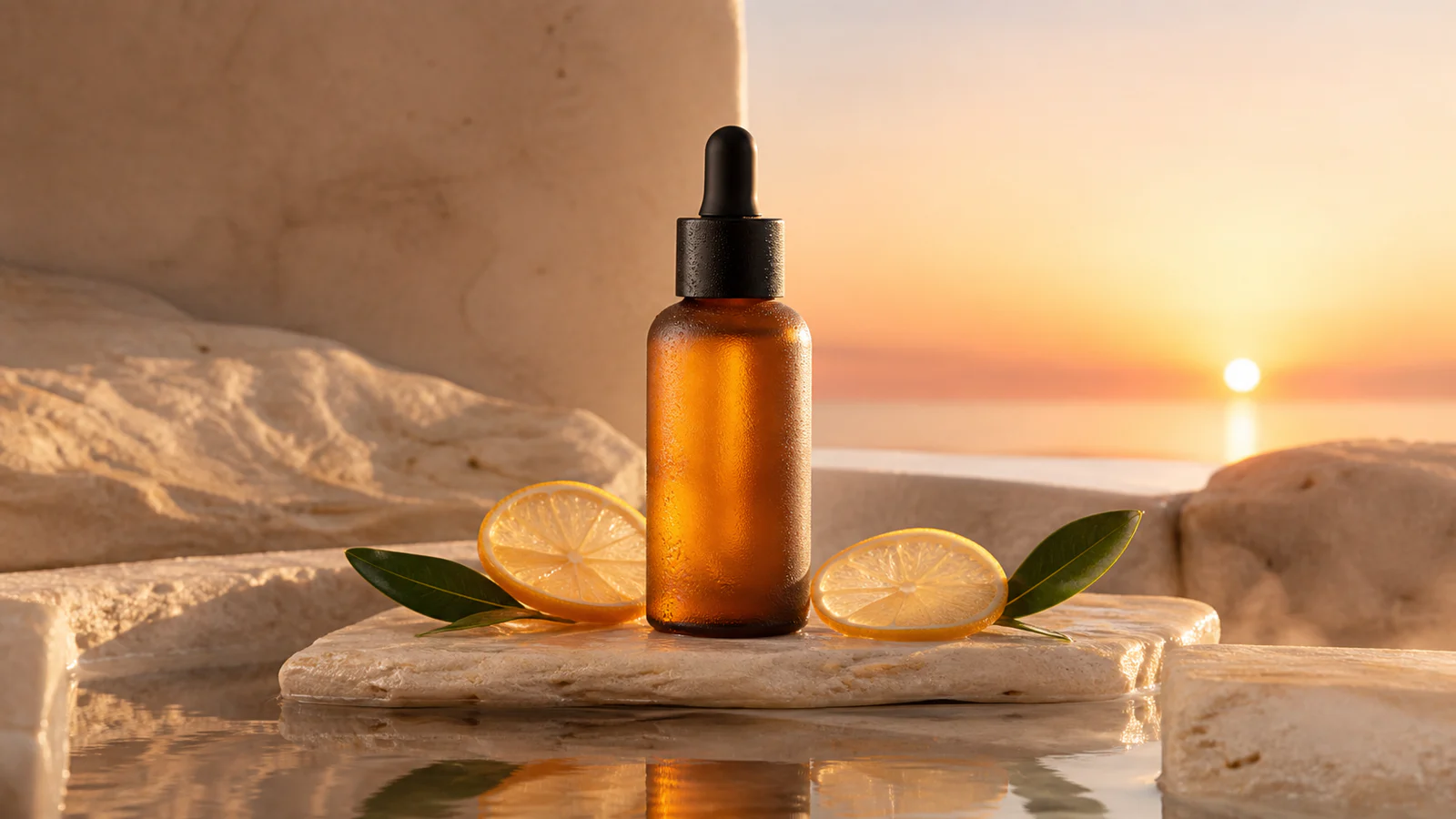
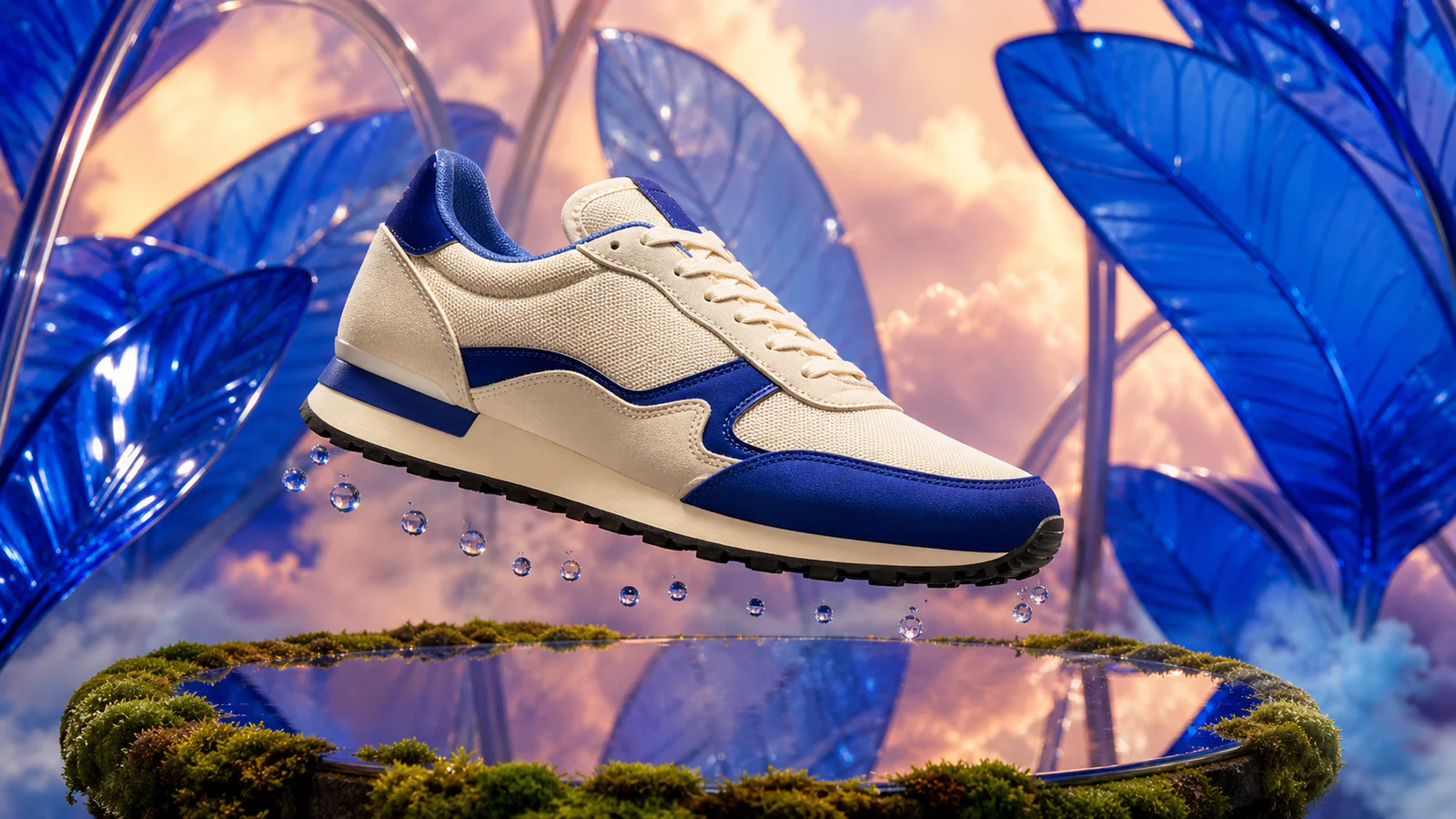
Use Product Photoshoot when the product must remain recognizable across a coherent set. Choose an asset or upload a source image, direct two to four scenes, and select studio, lifestyle, seasonal, advertising, or platform-ready treatment.
Product identity checks flag risky changes for review. They support the decision; they do not replace checking packaging, labels, proportions, colour, trademarks, or claims against the real product.
Keep a recurring character consistent
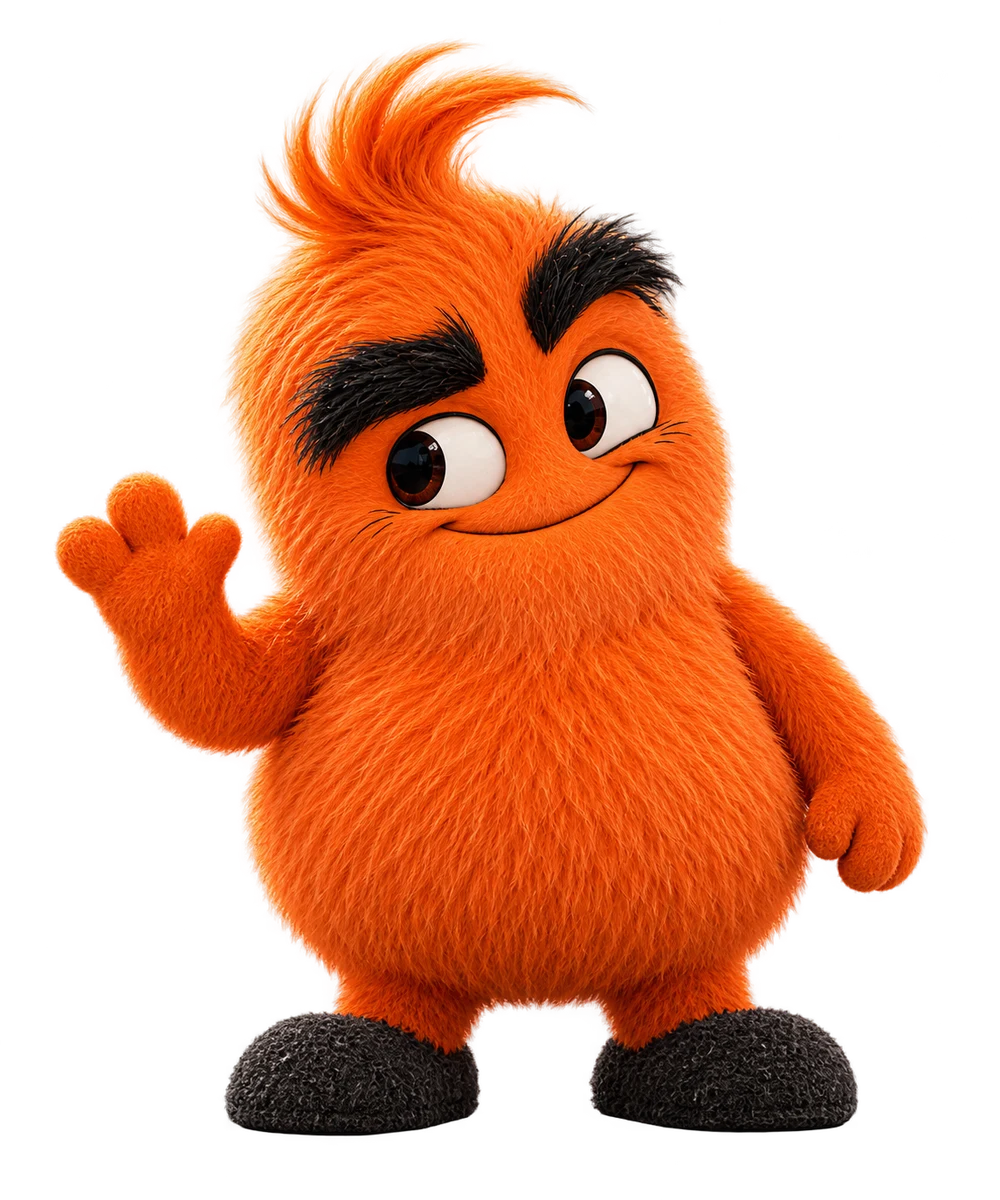
Save your approved mascot in Assets → Image sets. Include a clear identity image and, if available, a turnaround showing the same character from several angles. Use a fictional character set for an original mascot. Only use images you have permission to use.
Select that set when creating each new scene. Describe the features that must stay the same: colours, proportions, eyes, hair or fur, clothing and accessories. Change the setting or action without changing the character description.
Use our selected mascot references. Keep the same orange fur, swept tuft, black eyebrows and short proportions. Put Vuti beside a café counter, waving to the owner. No new clothing.
For video, first review a still image in the intended setting, then animate that image with a model that supports it. A video model may use the first frame rather than every image in the set. Check the face, proportions, hands, props and action throughout the result. References improve consistency; they do not guarantee an identical character or voice in every generation.
Saving a set does not attach it to every future request. Select it deliberately when that character belongs in the content. Your customer campaigns keep their own brand and image sets.
Compare and approve candidates
Campaign projects keep related candidates and feedback in one workspace record. Use them to:
- compare candidates without overwriting the original;
- annotate a promising direction and request a focused remix;
- mark work approved, rejected, or still active;
- group selected work into a collection; and
- hand the collection into the content workflow when it is ready.
Quality, safety, and provenance
Vuti records generation settings and source relationships so the work remains reproducible and auditable. Assets can show automated quality findings, moderation state, commercial-use signals, reference-pack lineage, consent state, and team feedback where available.
Automated checks do not guarantee platform acceptance, legal compliance, likeness consent, commercial rights, or campaign performance. Your team owns the final use and publishing decision.